Real screenshots from the desktop app. Click an image to enlarge it.
Beatdis
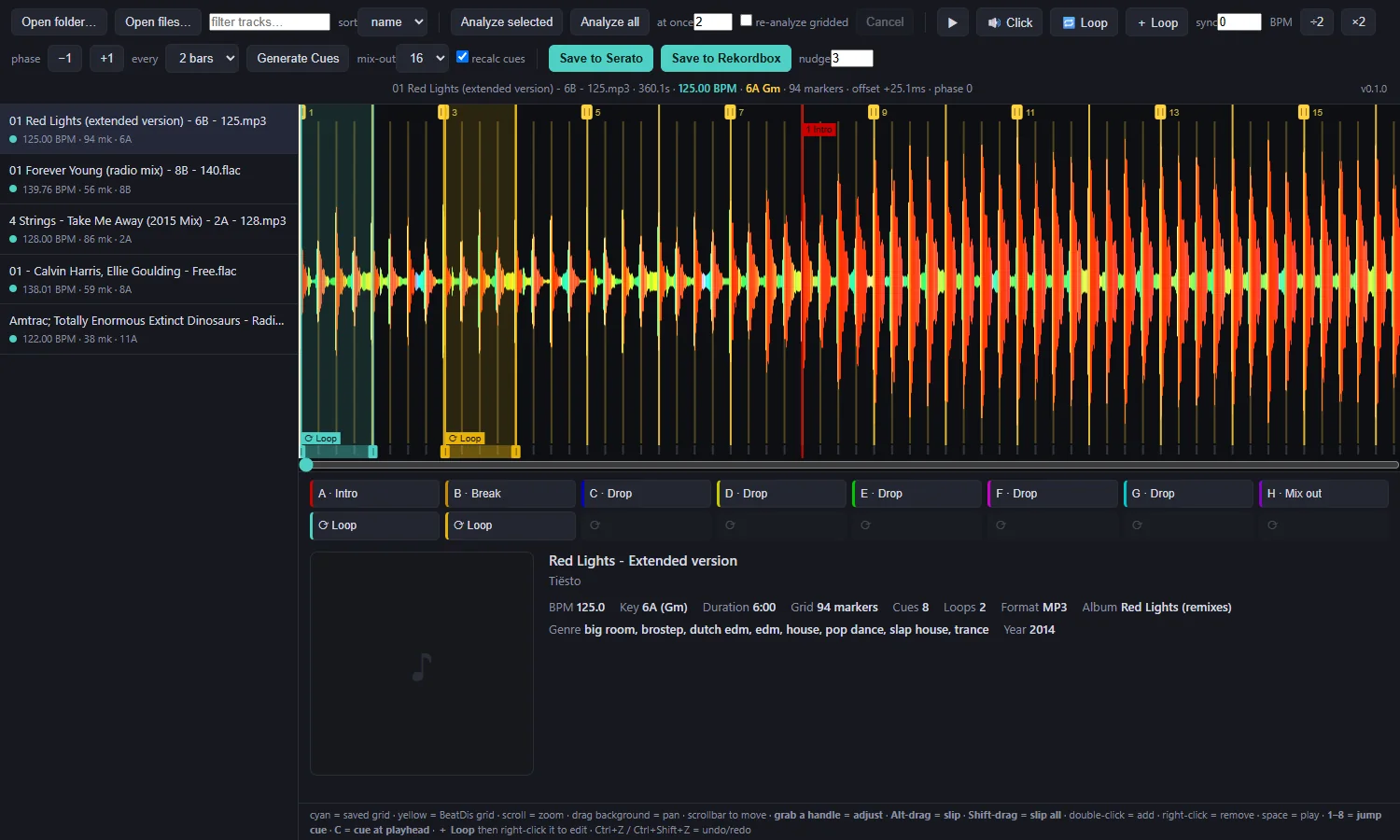
Everything in one window. Library on the left, frequency-coloured waveform with your grid on top, cue slots A–H and loops under it, track details at the bottom.
Beatdis — zoomed out
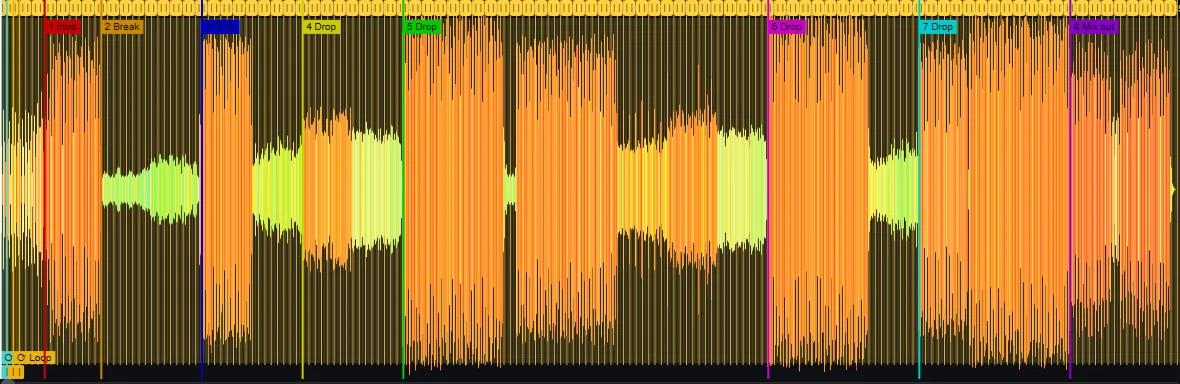
Structure at a glance. Auto cues land on downbeats: intro, break, drops and a 16- or 32-bar mix-out. Drag them, rename them, or recolour them.
Beatdis — bridged gaps
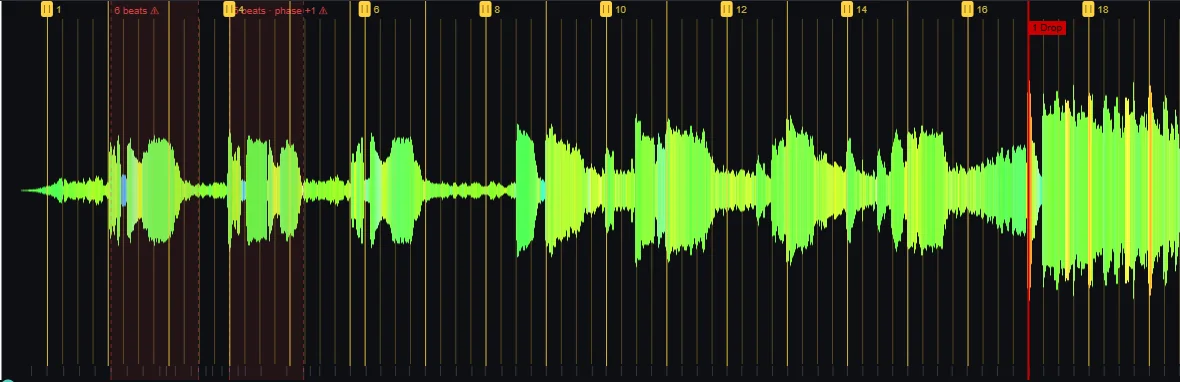
Breakdowns without drums. Where the beat tracker goes quiet, Beatdis solves the beat count across the gap. Red bands show what it bridged — check anything flagged ⚠ by ear.
yellow = Beatdis gridcyan = grid already saved in the filered band = bridged gapwaveform: bass red · mids green · highs blue